
An iPhone keyboard from Z Labz LLC
Big keys.
Easy typing.
All ThumbZ makes iPhone typing feel more comfortable with larger keys and the freedom to make your keyboard your own.
Submitted to Apple for review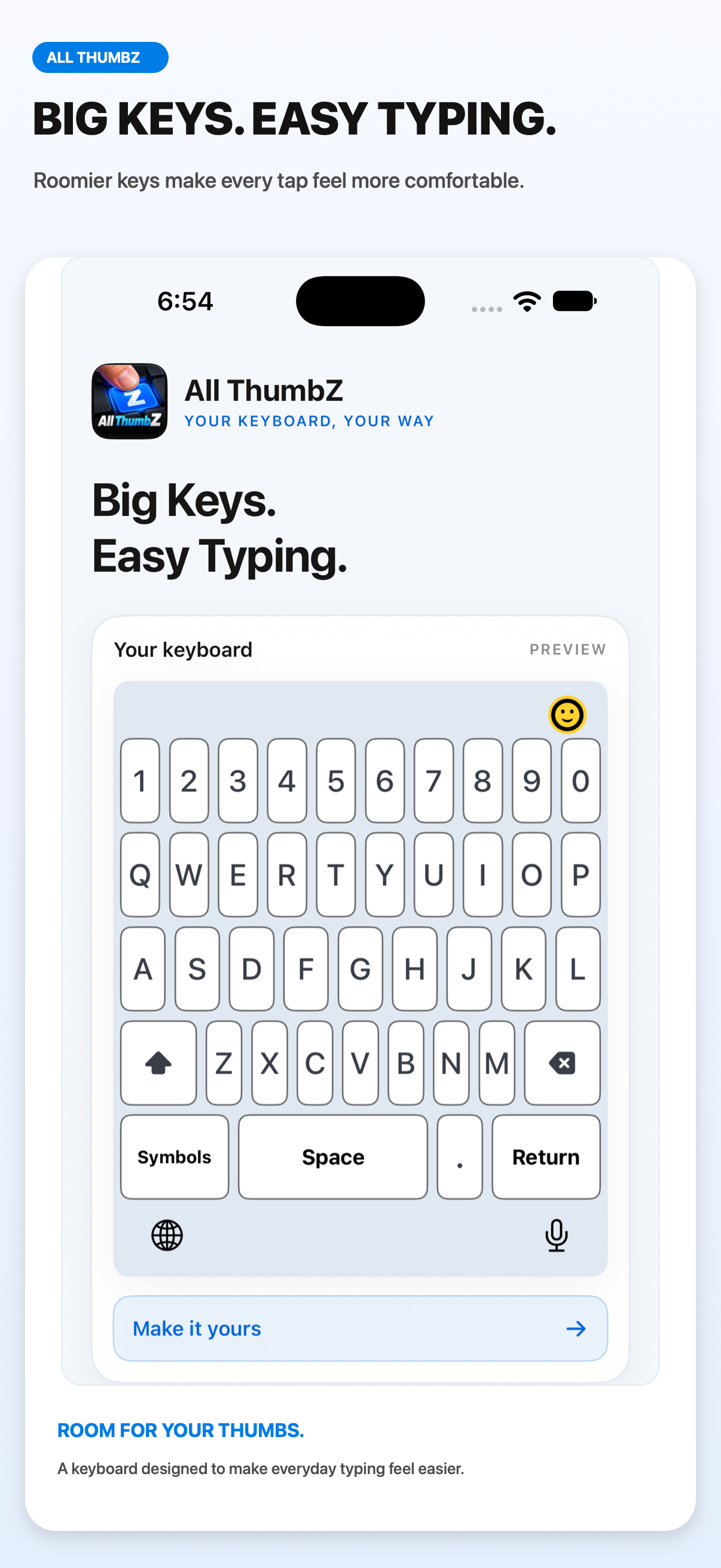 Made for your thumbs
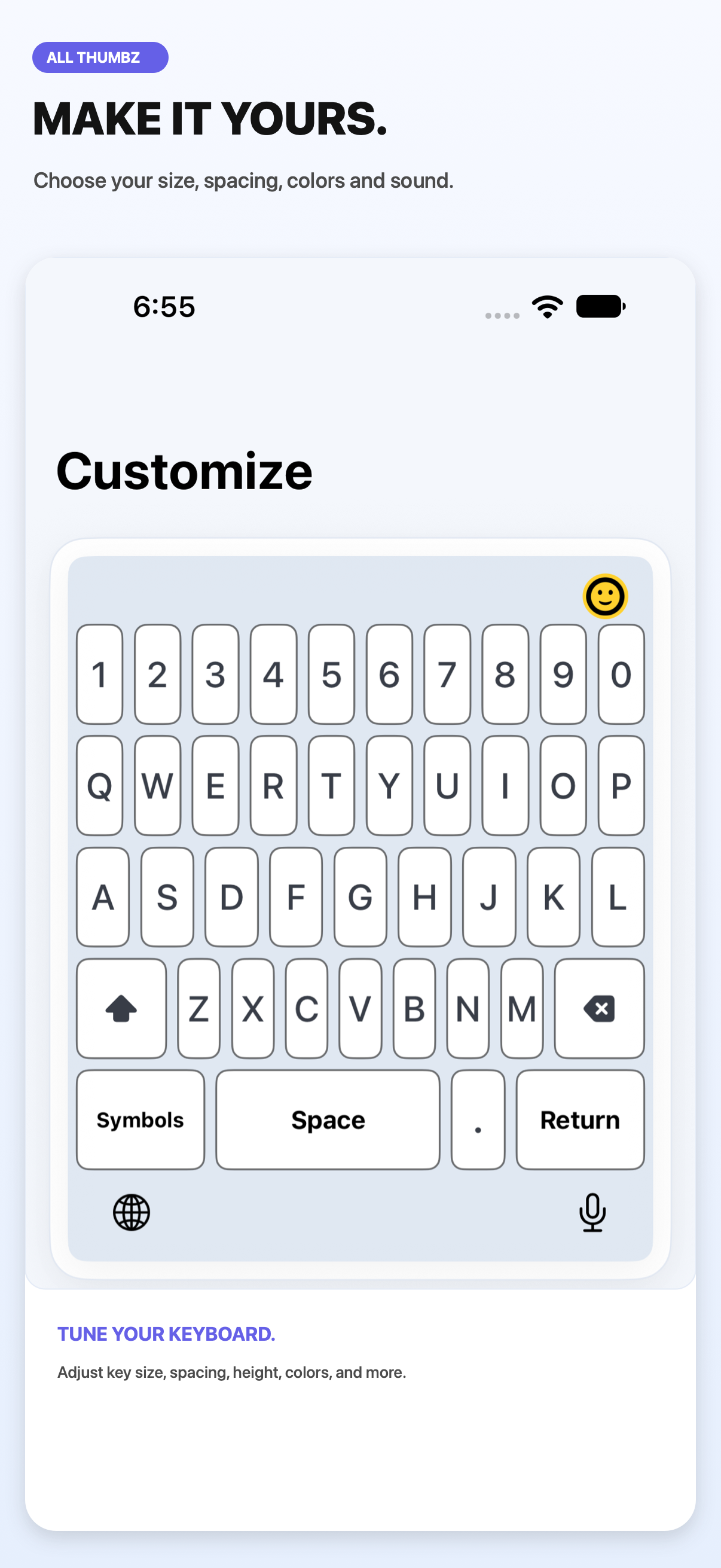
Room to typeAdjust key size, spacing, and keyboard height to fit your hands.
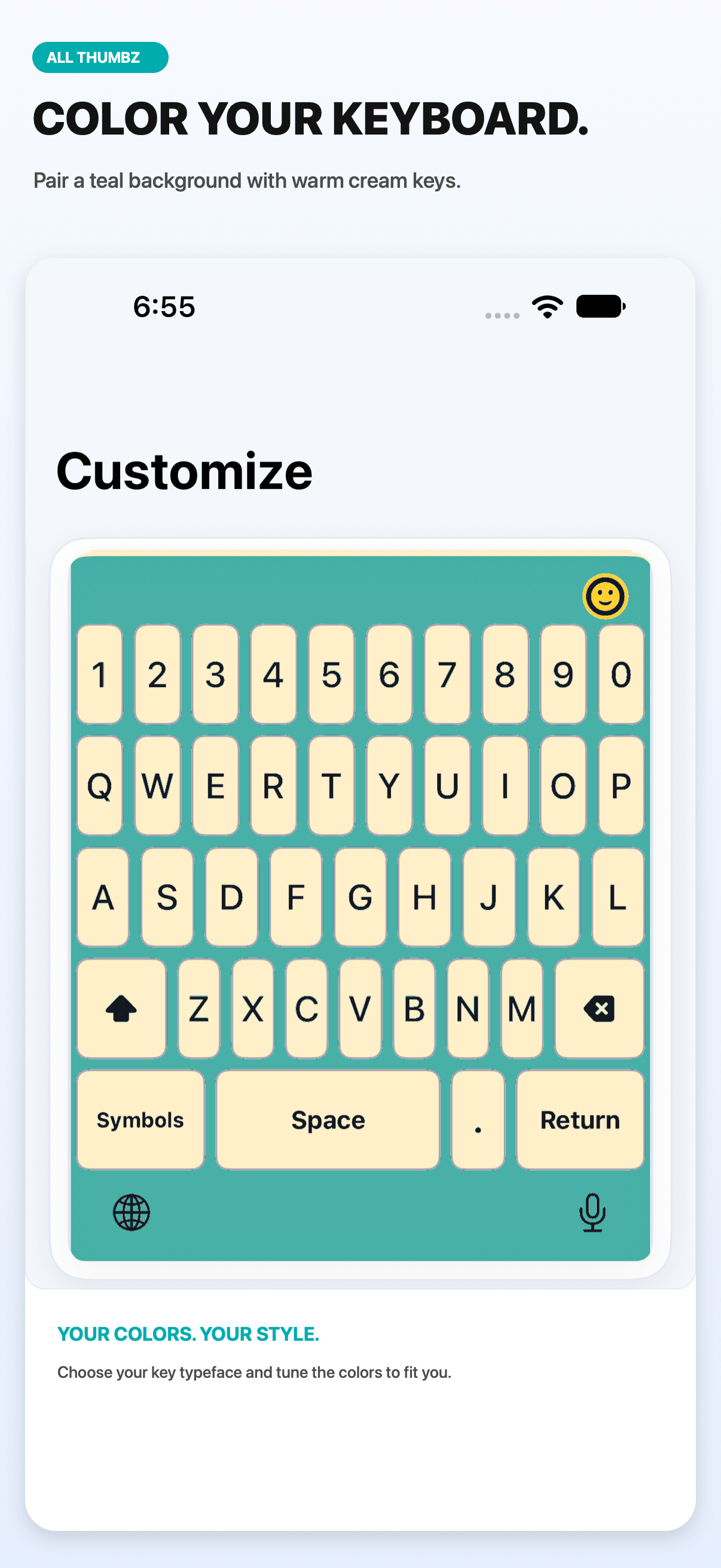
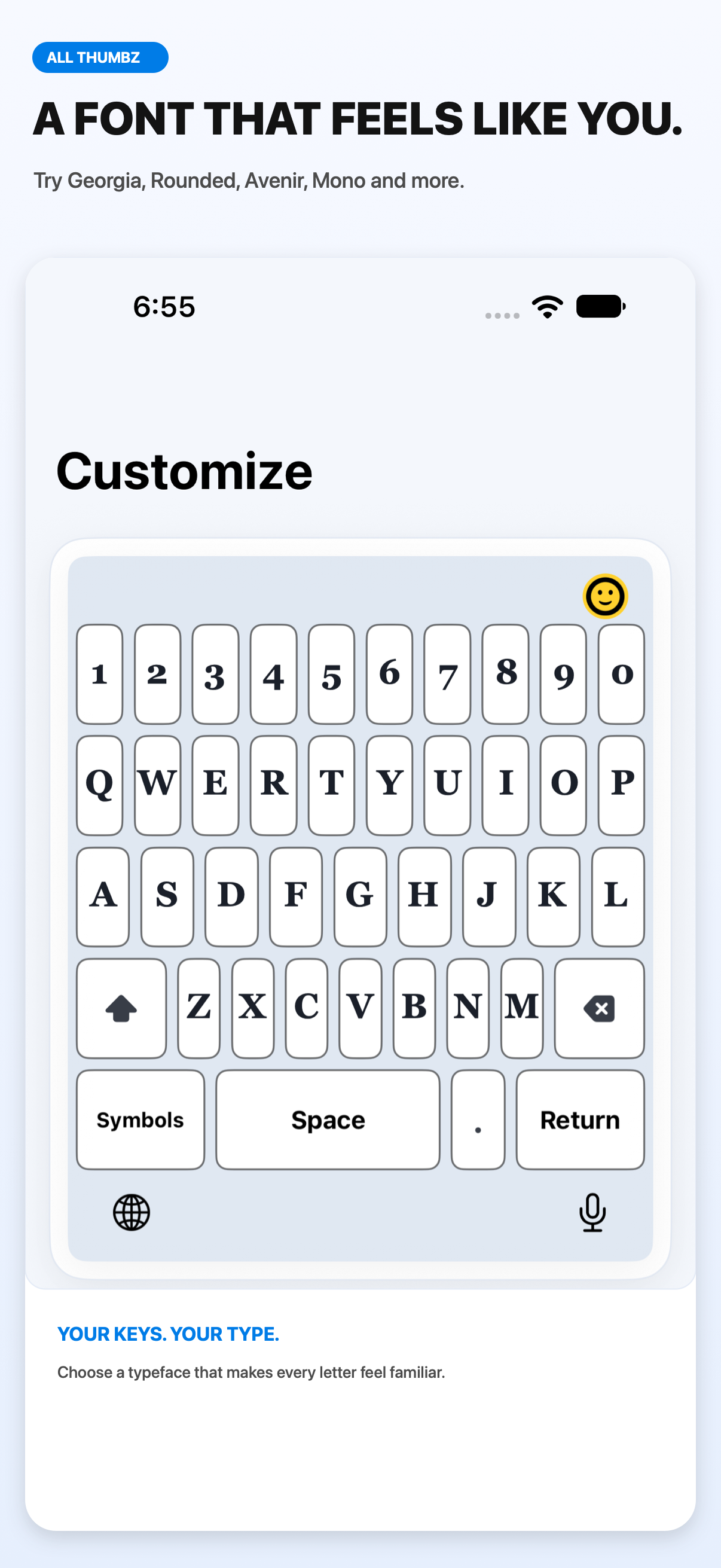
Make it yoursChoose colors and a typeface, then tune sound and haptic feedback.
Everyday shortcutsAdd a number row and save quick phrases for text you use often.
A keyboard that fits you
Comfort, with your style.
Choose the look and layout that feels right, from clean and simple to a little more colorful.
Getting started
Add it to your keyboard list.
After All ThumbZ is approved and released, enable it in iPhone Settings.
- Open Settings on your iPhone.
- Tap General → Keyboard → Keyboards → Add New Keyboard.
- Choose All ThumbZ, then use the globe key to switch to it while typing.